
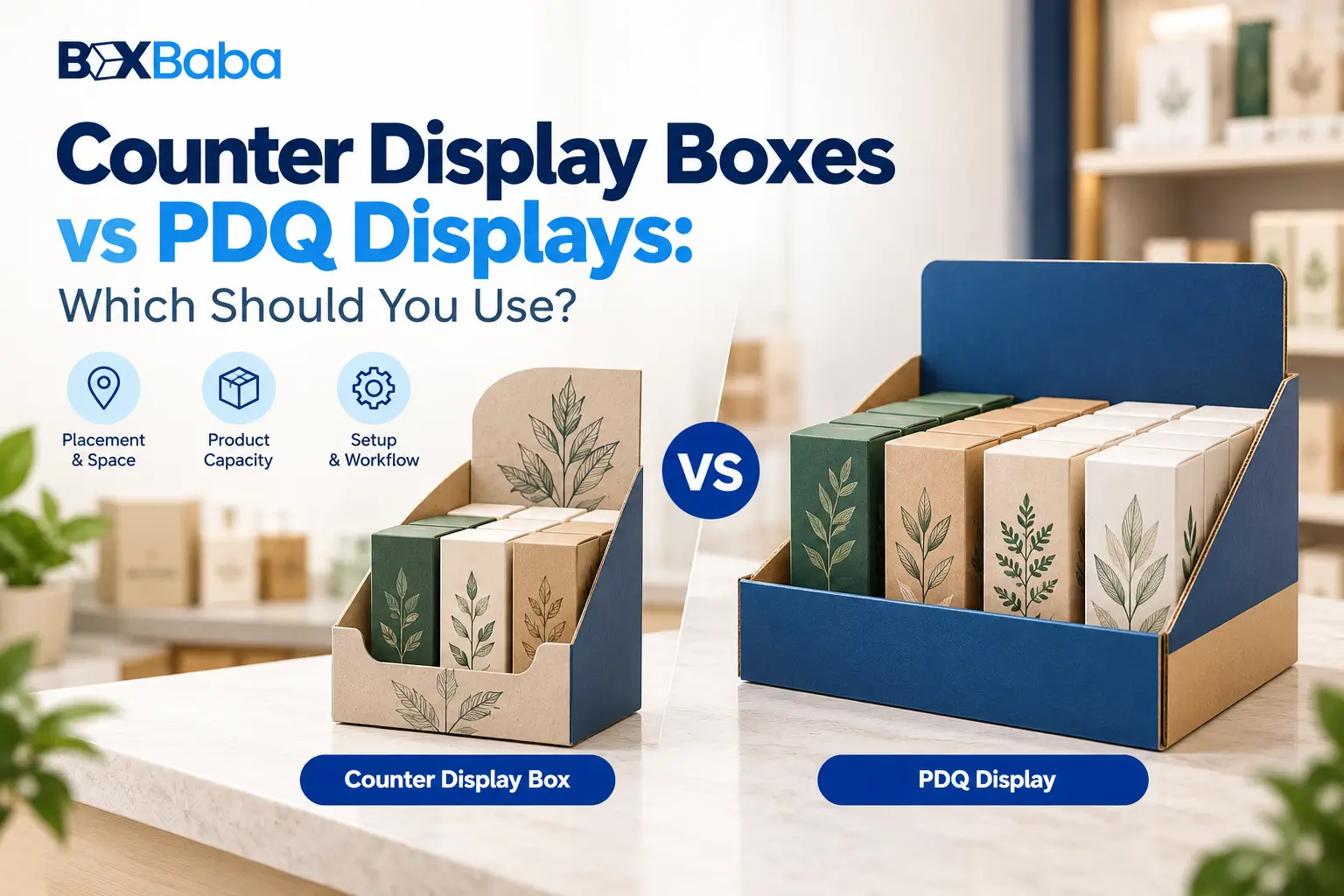
Choose a Counter Display Box when the dominant requirement is fitting and presenting products within a defined checkout, countertop or tabletop space.
Choose a PDQ Display when the dominant requirement is preparing an organized product assortment for quick retail deployment with limited store-level setup.
The terms are not opposites.
One structure can be:
Counter Display by Placement
and:
PDQ by Retail Workflow
at the same time.
The most useful comparison is therefore:
Counter Display → Where must the display work?
PDQ → How must the merchandise move into retail presentation?
If you are still evaluating the wider structural options rather than choosing between these two directions, explore BoxBaba Custom Display Boxes.
Counter Display vs PDQ at a Glance
Decision Factor | Counter Display Box | PDQ Display |
Primary classification | Retail placement | Retail-deployment workflow |
Main question | Will the display fit and function in the available counter space? | Can the product assortment move into its retail presentation efficiently? |
Typical final location | Counter, checkout, service desk or tabletop | Shelf, counter or another retailer-approved location |
Leading input | Available footprint | Product arrangement and setup workflow |
Product count | Often evaluated against available counter space | Often part of a defined retail-ready arrangement |
Store setup | Depends on supply and loading method | Usually planned to reduce store-level setup |
Preloaded by definition? | No | Not universally; confirm the actual program |
Can use dividers or holders? | Yes | Yes |
Can use perforation? | Yes, where structurally appropriate | Yes, where the setup requires it |
Can one project be both? | Yes | Yes |
These are dominant planning differences rather than universal structural rules.
What Is a Counter Display Box?
A Counter Display Box is defined primarily by its retail placement.
The planning relationship is:
Available Counter Footprint → Finished Products → Quantity → Arrangement → Display Structure
The display might contain cartons, bottles, tubes, pouches, stick products or several SKUs. Depending on the merchandise, it can also use dividers, holders, tiers or a header.
None of those features defines the counter classification.
The defining question is:
Does the structure need to work within a particular countertop or tabletop area?
Where the checkout or counter footprint leads the brief, BoxBaba Counter Display Boxes provide the relevant commercial direction.
What Is a PDQ Display?
PDQ is commonly used for an organized retail-display arrangement designed for quick in-store deployment.
Its planning relationship is:
Finished Products → Defined Arrangement → Prepared Retail State → Store Deployment
A PDQ may use an open tray, cover, lanes, dividers, holders or a tear-away component depending on the project.
It should not be defined by one universal tray shape, material or opening system.
The dominant question is:
How should this product arrangement reach and enter its retail-selling state?
Where product count, assortment organization and quick retail deployment lead the brief, explore BoxBaba PDQ Trays and Boxes.
The Core Difference Is Placement vs Deployment
The cleanest way to compare these formats is to identify what each term tells the structural designer.
A Counter Display tells you:
WHERE
the finished merchandising unit must operate.
A PDQ tells you:
HOW
the organized products need to move into the intended retail presentation.
Therefore:
Counter Display = Placement Context
PDQ = Deployment Context
This is why two visually similar trays can have different project requirements—and why one structure can legitimately fall into both classifications.

Can the Same Display Be Both Counter and PDQ?
Yes.
Consider an illustrative project where finished retail units are arranged in a compact tray before store setup. The tray reaches retail in the intended assortment order and is then positioned next to the checkout.
That structure may be:
PDQ
because the product arrangement supports quick retail deployment.
and:
Counter Display
because the final location is a countertop.
The relationship is:
Defined Counter Footprint + Quick-Deployment Requirement → Counter-Placement PDQ
There is no conflict between those descriptions because they identify different attributes.
A Counter Display can also exist without being a PDQ. For example, the structure might be supplied flat, assembled later and loaded separately at the store or another fulfillment point.
Likewise, a PDQ does not have to sit on a counter. Its final location may instead be a shelf or another retailer-approved merchandising area.

Do All PDQ Displays Arrive Preloaded?
Do not build the comparison around that assumption.
PDQ programs are commonly associated with organized merchandise and reduced store-level setup, but the exact loading and fulfillment process can vary by retailer, supplier and distribution program.
A better question is:
How much handling is required before the merchandise reaches its intended selling arrangement?
Possible workflows may include a unit that arrives already loaded, a tray contained within another shipping configuration or another approved pack-out.
The applicable retailer specification should take priority whenever a retailer has issued requirements for the program.
Counter Displays Are Constrained by Retail Footprint
When Counter Display is the starting direction, obtain the available retail space early.
Important constraints may include:
- maximum width;
- maximum depth;
- overall height;
- vertical clearance;
- fixture limitations.
Then evaluate the product dimensions, quantity and orientation within that footprint.
The relationship becomes:
Available Counter Space → Practical Product Arrangement
If the desired quantity cannot fit while maintaining usable access, reconsider the quantity or arrangement instead of simply forcing the products closer together.
If the project extends beyond a countertop into wider shelf, fixture or in-store merchandising requirements, Retail Display Boxes provide the broader commercial context.

PDQ Displays Are Constrained by the Retail-Deployment Brief
For a PDQ project, the brief usually needs to establish the intended product arrangement and store setup.
Important inputs can include:
- total units;
- number of SKUs;
- units per SKU;
- product orientation;
- assortment order;
- final retail location;
- expected store setup;
- retailer requirements.
A useful relationship is:
Product Count + Arrangement → Prepared Retail Configuration → Store Deployment
The final footprint still matters, but the deployment requirement is what makes PDQ the more useful starting classification.

Quantity Matters Differently in Each Brief
Both formats require a defined product count, but quantity may enter the decision from a different direction.
For a Counter Display:
Available Space → Practical Quantity
For a PDQ:
Required Product Count → Organized Retail Arrangement
These are not absolute formulas.
A Counter Display can have a predetermined count, and a PDQ may have a strict retailer footprint.
The purpose of the distinction is to identify which constraint leads the project.

Multi-SKU Products Can Work in Either Format
Counter Displays and PDQs can both present several SKUs.
At the comparison stage, identify:
- number of SKUs;
- units per SKU;
- whether physical dimensions differ;
- intended shopper-facing orientation;
- whether separation is required.
The important point here is simply:
Multi-SKU Requirement Does Not Determine Counter vs PDQ
SKU arrangement is a separate engineering variable.
The deeper relationships between assortment, lanes and finished display size belong to the later How SKU Arrangement Changes Display Box Size and How to Design a Multi-SKU Retail Display guides.
Both Formats Can Use Dividers, Holders or Open Trays
Do not assume:
Counter Display = Open Tray
or:
PDQ = Tear-Away Corrugated Tray
Either format can use different internal support methods depending on the merchandise.
If the product itself requires defined openings or individual positions, the structure may be better understood through a product-geometry-led approach as well. BoxBaba Product Display Box provides that commercial context.
The support system should follow the finished products, not the Counter or PDQ label alone.
Perforation Does Not Define PDQ
A PDQ can use a perforated tear-away panel.
But perforation answers a different question:
How does part of the structure open or convert?
The distinction is:
Counter → Placement
PDQ → Deployment Workflow
Perforated → Conversion Mechanism
A single structure may fit more than one of these descriptions.
The dedicated PDQ vs Perforated Display Boxes guide should own the deeper comparison once that article is published.
Loaded Shipping and Retail Display Are Separate Requirements
Neither term should automatically be treated as proof that a particular structure is suitable for every shipping or distribution condition.
If products will travel loaded inside the display system, distinguish:
Packed / Distribution State
from:
Final Retail Display State
The broader Retail-Ready Display Packaging guide should own that distribution-to-retail workflow once it is live.
For DB-06, the important question is simply whether the required store-deployment process makes PDQ a meaningful part of the brief.
Shopper Access Matters Regardless of the Label
A Counter Display, PDQ or combined Counter-PDQ still needs to function after it reaches retail.
The product arrangement should allow the intended merchandise to remain visible and removable.
For example, a structure may fit its assigned footprint but still be impractical if the front wall blocks too much of the product or if individual units are packed too closely for removal.
Therefore:
Correct Classification ≠ Automatically Correct Structure
The final geometry must still follow the products, footprint and shopper-access requirement.
Retailer Requirements Can Override the Starting Preference
A brand may prefer a custom Counter Display, but a retailer may require a defined PDQ pack-out.
In another project, the retailer may only specify the allowable counter footprint and leave more flexibility in the structure.
Before choosing the final direction, check for retailer requirements relating to:
- product count;
- display dimensions;
- shelf or counter placement;
- product orientation;
- case or display identification;
- opening/setup;
- loaded configuration;
- visible panels.
Where an applicable retailer specification exists, use it as a project input rather than relying only on general Counter or PDQ terminology.
When Should You Choose a Counter Display?
Possible finishing directions include:
Start with Counter Display when the main requirement is:
These products need to fit and function within this defined counter area.
Counter is usually the stronger starting context when the project is driven by a limited countertop footprint, shopper access at checkout and a compact merchandising arrangement.
The display may still use a particular setup workflow, but placement leads the decision.
matte;- gloss;
- soft-touch;
- foil stamping;
- Spot UV;
- embossing;
- debossing.
The relevant question is not simply:
Does the box have foil?
It is:
- where is the foil?
- how much area?
- how many positions?
- what other finishing operations are combined with it?
One small foil logo and large multi-panel foil coverage should not automatically be treated as equivalent work.
When Should You Choose a PDQ?
Start with PDQ when the main requirement is:
This organized product arrangement needs to move into retail presentation with limited setup.
PDQ becomes especially useful where product count, SKU arrangement, store deployment or retailer pack-out requirements lead the project.
The final location may still be a shelf, counter or another approved position.
When Should the Project Be Both?
Use both classifications when both constraints genuinely matter.
For example:
Retailer Gives a Specific Counter Footprint
Products Must Arrive in a Quick-Deployment Arrangement
→
Counter-Placement PDQ
This gives the structural brief both pieces of context:
WHERE the display goes
and:
HOW it gets there in its selling configuration.
Counter Display vs PDQ Decision Framework
Main Project Requirement | Start With | Reason |
Must fit a defined checkout or tabletop space | Counter Display | Placement leads the project |
Products need organized quick retail deployment | PDQ | Store setup workflow leads |
Must fit a counter and also arrive in a quick-deployment arrangement | Both | Placement and deployment both matter |
Display is assembled and stocked independently from its distribution packaging | Counter Display | Counter placement may be the more useful classification |
Retailer specifies a particular PDQ pack-out or display count | PDQ | Retail-deployment requirements lead |
Finished-product geometry is the dominant structural problem | Product Display | Merchandise geometry should lead |
Broader shelf or in-store merchandising requirements dominate | Retail Display | Wider retail context should lead |
The table identifies the starting context. Final structure still depends on the finished merchandise and any retailer-specific requirements.

Common Counter Display vs PDQ Mistakes
Treating the Terms as Opposites
Counter and PDQ describe different dimensions of the project.
Better approach: separate retail placement from deployment workflow.
Assuming Every Counter Display Is a PDQ
A counter display can be assembled or loaded through many workflows.
Better approach: confirm store setup separately.
Assuming Every PDQ Must Sit on a Counter
PDQs can be used in other retailer-approved locations.
Better approach: identify final placement independently.
Choosing From Appearance Alone
Two similar trays can have different fulfillment and store-setup requirements.
Better approach: establish placement and deployment before approving structure.
Assuming Every PDQ Uses the Same Loading Method
Programs differ.
Better approach: document the actual pack-out and store-setup process.
Treating Perforation as the Definition of PDQ
A tear-away panel is a conversion feature.
Better approach: separate conversion mechanism from retail workflow.
Ignoring Retailer Requirements
Generic terminology does not replace an applicable retailer specification.
Better approach: include the retailer requirements in the structural brief.
What Information Should You Prepare Before Choosing?
Before selecting Counter, PDQ or both, prepare:
- finished product dimensions;
- finished unit weight;
- desired quantity;
- number of SKUs;
- units per SKU;
- intended product orientation;
- available counter or shelf footprint;
- maximum overall height;
- required shopper-facing side;
- known divider or holder requirement;
- intended loading method;
- store setup process;
- retailer requirements where applicable;
- total order quantity.
These inputs help identify which classification should lead the structural project.
Choosing Counter Display or PDQ Packaging With BoxBaba
If a defined checkout or tabletop footprint is the main constraint, explore BoxBaba Counter Display Boxes.
If an organized quick-deployment retail arrangement leads the brief, explore PDQ Trays and Boxes.
If placement, workflow and product structure still need to be evaluated together, start with the wider Custom Display Boxes collection.
BoxBaba MOQ starts from 100 units on most product lines. Artwork assistance, dieline support and digital 3D mockups are available during project development. Eligible standard projects may have production turnaround starting from 5–9 business days after specifications and artwork approval, depending on structure, material, quantity, sampling, finishing and other project requirements.
Free USA shipping is available on eligible custom packaging orders.
Frequently Asked Questions
What is the main difference between a Counter Display and a PDQ?
A Counter Display primarily describes where the display is used, while PDQ primarily describes how an organized product arrangement moves into retail presentation. One structure can satisfy both descriptions.
Can a PDQ display sit on a counter?
Yes. A PDQ that is designed for quick deployment and then positioned on a checkout counter can function as both a PDQ and a Counter Display.
Is every Counter Display a PDQ?
No. A Counter Display may be supplied flat, assembled empty or loaded through another workflow. Counter describes its placement rather than one store-setup method.
Does every PDQ arrive preloaded?
Not necessarily. PDQ programs commonly emphasize quick retail deployment, but loading and fulfillment methods vary. Confirm the actual project and retailer requirements.
Is a perforated display the same as a PDQ?
No. PDQ describes the retail-deployment context, while perforation describes a tear-away structural conversion mechanism. A project may use both.
Which should I use for a checkout counter?
If the main requirement is fitting a defined checkout footprint, start with Counter Display. If the products must also arrive in an organized quick-deployment configuration, the project may be both Counter and PDQ.
What should I send BoxBaba before choosing?
Provide the finished product dimensions and weight, quantity, SKU count, orientation, available retail footprint, intended store setup and any applicable retailer requirements.